What’s New in Memoket: App V1.3.1
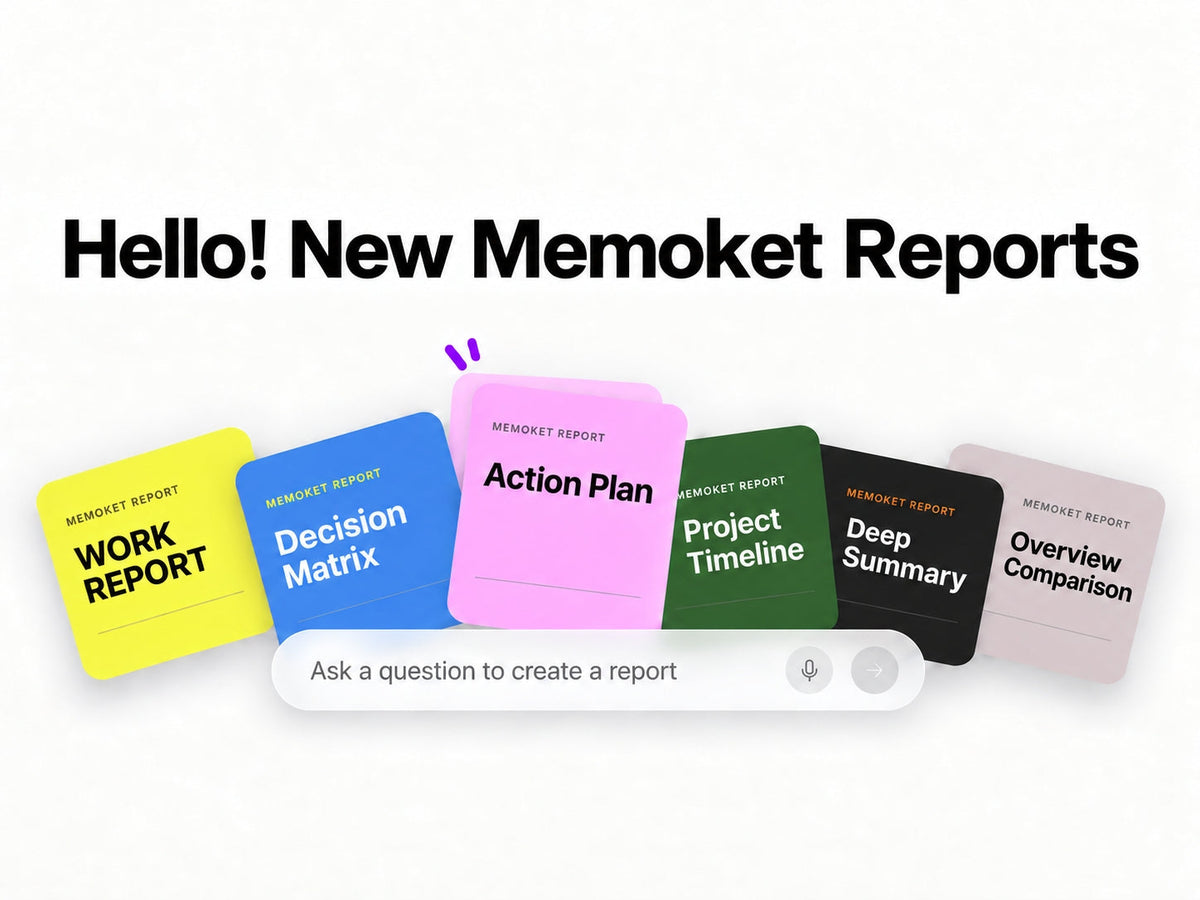
App V1.3.1 is out. This update introduces MemoChat Reports, 1,000 professional templates, more ways to edit and export your content, eight new integrations, and a significantly expanded Desktop ecosystem that now connects to AI agents, MCP tools, and workflow automation platforms.
Memoket App · V1.3.1Memoket has always helped you capture and understand conversations. Now it helps you do something with them. Memoket Reports takes what's in your memory and turns it into a structured, ready-to-use document — automatically.
Inside MemoChat, tap Report and either let Auto Match choose the right format, or select one yourself.
Memoket pulls the relevant context from across your recordings and organizes it into whichever format matches the job. A week of sales calls becomes a Decision Matrix. A round of candidate interviews becomes a side-by-side comparison. The conversation is already there — now the output is too.

Every recording now has access to 1,000 purpose-built templates across industries and roles. After opening a recording's Summary, tap the + icon in the top-right corner to explore My Templates, Recommended, and Discover.
Templates are available for meetings, interviews, sales, consulting, education, medical work, construction, IT and engineering, legal, real estate, and finance. Each one transforms the recording into a summary that matches the specific structure that role or industry actually needs.
Your recordings generate a lot. This update makes it easier to refine what comes out and get it where it needs to go.
- Transcript and Summary Editing: Edit directly from the recording detail page. Fix a name, cut a tangent, add context Memoket missed.
- Editable Weekly Reports: Review and edit your weekly report before you export or share it.
- Weekly Report Export: Export as PDF or image.
- One-Pager Image Export: Export One-Pagers as images — easier to drop into Slack, email, or a presentation without extra steps.
Eight integrations join the Memoket App ecosystem: customer records, project tools, cloud storage, team channels, and knowledge bases.

Connect Notion and Memoket sets up a dedicated, Memoket-branded page and template in your workspace automatically. Your meeting notes, summaries, and action items land exactly where they should, in a structure that's already organized for you.
Memoket Desktop · Major Upgrade
Desktop is now on the website
Starting today, Memoket Desktop is available to download directly from Memoket.ai. No hunting for links. The app gets its own place on the website alongside the Gem.
- Mac (Apple Silicon): Memoket-mac-arm64.dmg
- Mac (Intel): Memoket-mac-x64.dmg
- Windows (64-bit): Memoket-windows-x64.exe
Memoket Desktop now connects to a significantly wider range of AI tools, agents, and automation platforms. This update adds the same eight integrations as the App, plus connections to MCP tools, CLI agents, and workflow automation platforms.
- ChatGPT — Ask ChatGPT questions with your Memoket context already loaded.
- Claude — Use your conversation memory directly in Claude.
- OpenCode — Query your Memoket memory while you're coding.
- Hermes Agent — Carry Memoket context across agent sessions.
- Grok Bot — Access your memory from Grok Bot.
- Google Antigravity — Bring Memoket context into Antigravity workflows.
- OpenClaw — Use Memoket with local agents.
- Zapier — Trigger automated workflows when a summary is complete.
- Make — Use new recordings as triggers in Make scenarios.
A conversation you had on Monday can surface as context in a Claude session on Tuesday, trigger a Zapier workflow when the summary is done, and get filed to Notion and Jira automatically. Memoket is becoming the connective tissue between your conversations and the tools that act on them.
The full Desktop experience has been rebuilt from the ground up — from how you launch the app and manage recordings to how you review and export content.
- Consistent Cross-Device Experience: Desktop and App now share the same navigation patterns, recording details, and core workflows. Moving between them takes less adjustment.
- Content Editing: Review and edit transcripts, summaries, and weekly reports directly on Desktop, without switching to the App.
- Recording Playback: Play audio from the transcript and track download progress in the same view.
- Multiple Export Formats: Export as audio, Word, PDF, PNG, TXT, or Markdown.
The updated UI makes everything easier to find and faster to use.
- Simplified Navigation: Recordings, integrations, account settings, and editing tools are where you'd expect them.
- Clearer Recording Details: Transcripts, summaries, speakers, and available actions in one structured view.
- Aligned Mobile and Desktop UI: Less time learning the difference between the two. More time using them.
Update the app to get started
V1.3.1 is available now. Open the Memoket App to update, or download Memoket Desktop for the first time.
Get Memoket →

